
Table of Contents
- Quick Summary
- Step 1: Define your creative vision and objectives
- Step 2: Select your location, gear, and props
- Step 3: Organize your team and schedule logistics
- Step 4: Prepare your shot list and backup plans
- Step 5: Execute and review your photo shoot on-site
- Elevate Your Photography Portfolio with Expert Guidance
- Frequently Asked Questions
- Recommended
This blog post may contain affiliate links. As an Amazon Associate I earn from qualifying purchases.
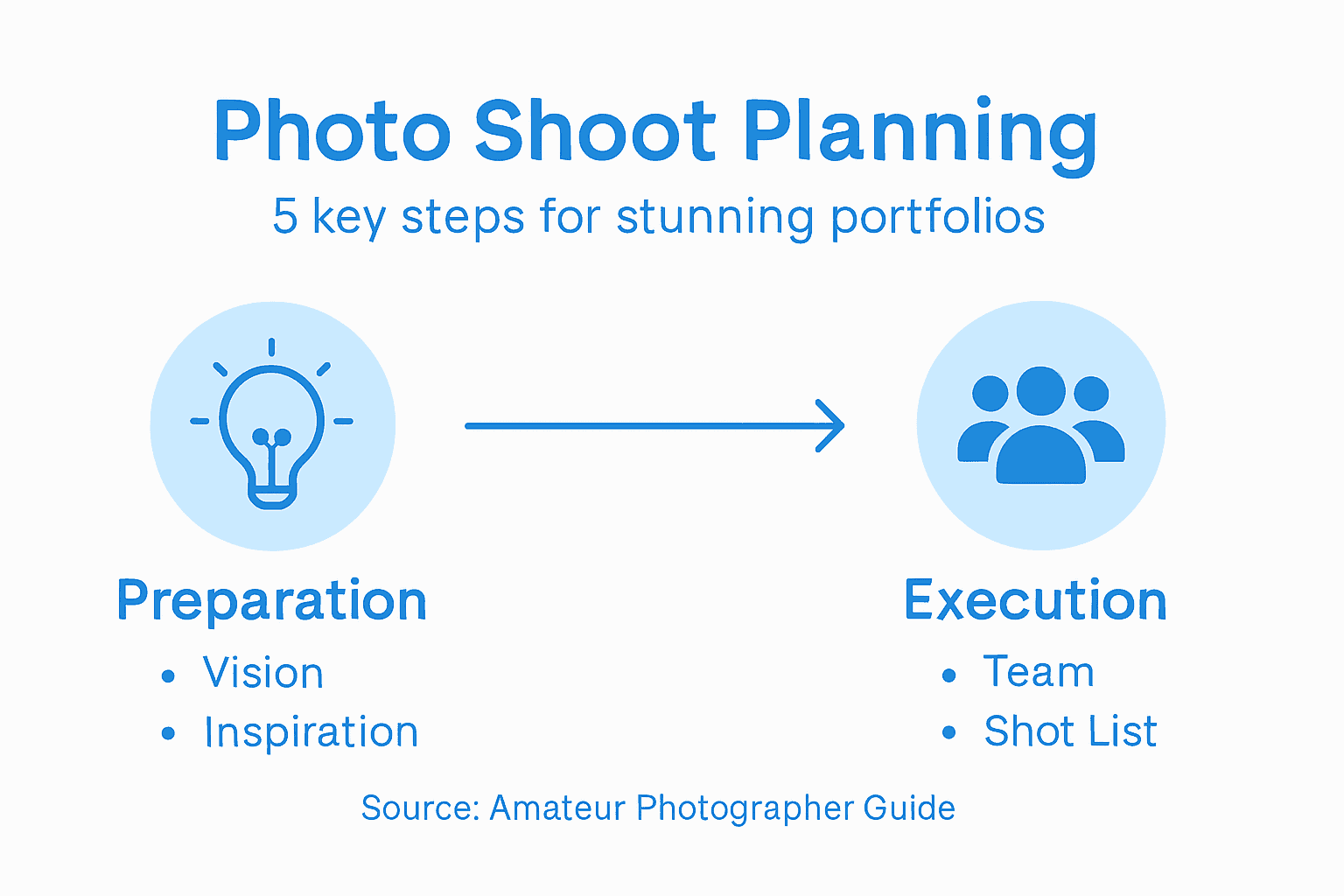
Every photographer has faced the challenge of transforming creative ideas into a striking portfolio or photo shoot. This journey is more than just capturing great shots—it demands clarity of vision, thoughtful planning, and smart choices at each step. Defining your objectives and organizing essentials like location, props, and team bring your artistic voice to life. Discover actionable strategies for tailoring your shoots to reflect your unique perspective and boost the impact of your work.




Quick Summary
| Key Point | Explanation |
|---|---|
| 1. Define Your Creative Vision | Establish a clear artistic direction by reflecting on your style, themes, and emotional intent before shooting. |
| 2. Choose Location and Gear Wisely | Select settings and equipment that enhance your narrative and support your creative objectives for compelling visuals. |
| 3. Organize Your Team and Logistics | Assemble the right professionals and create a comprehensive schedule to ensure efficient collaboration and smooth execution. |
| 4. Prepare a Detailed Shot List | Outline specific shots with angles, lighting, and technical settings to effectively translate your vision into reality. |
| 5. Review and Adjust During the Shoot | Continuously assess images and lighting while remaining flexible, ensuring you capture high-quality, expressive photos. |
Step 1: Define your creative vision and objectives
In photography, your creative vision is the heartbeat of your entire portfolio. Before picking up a camera, you need a clear roadmap of what you want to achieve and communicate through your images.
Defining your vision starts with introspection. Ask yourself critical questions about your photographic style, themes, and emotional intent. Are you drawn to stark urban landscapes? Intimate portrait storytelling? Vibrant nature compositions? Each photographer’s vision is unique, reflecting their personal perspective and artistic voice.
To crystallize your objectives, break down your vision into specific, actionable goals. Here are key strategies for crafting a compelling creative direction:
- Identify your core themes: What stories or emotions do you want to convey?
- Determine technical style: Consider the aesthetic and mood of your desired images
- Set measurable outcomes: Outline concrete portfolio goals (number of images, style consistency)
Your creative vision is not just about technical skills. It’s about expressing your unique perspective through visual storytelling.
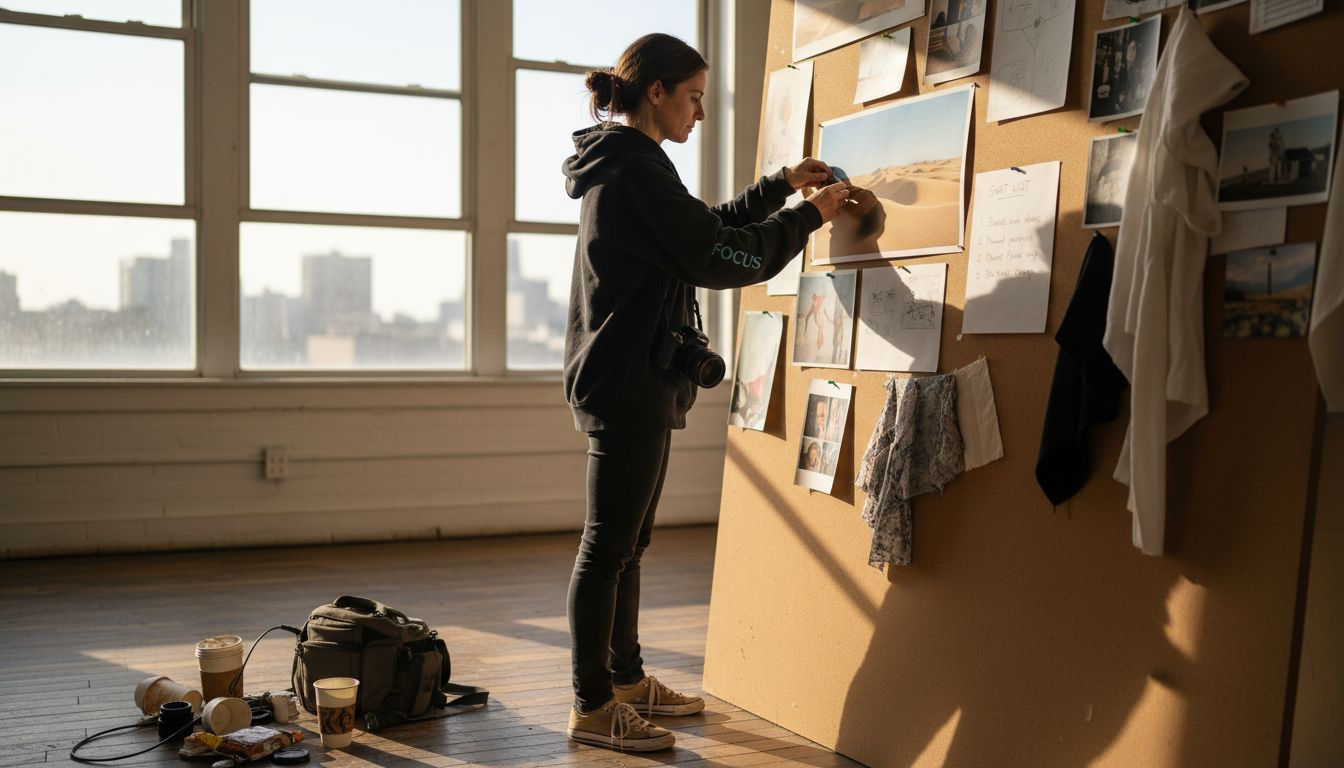
Once you’ve mapped out your vision, start collecting inspiration. Create a mood board or digital collection of images that resonate with your artistic goals. This visual research will help refine and focus your objectives.
Pro tip: Keep your creative vision flexible. Great photography often emerges from unexpected moments of spontaneity and willingness to experiment beyond your initial plan.
Step 2: Select your location, gear, and props
Selecting the right location, gear, and props can make or break your photography portfolio shoot. This step transforms your creative vision from concept to visual reality by carefully curating the physical elements that will bring your artistic narrative to life.
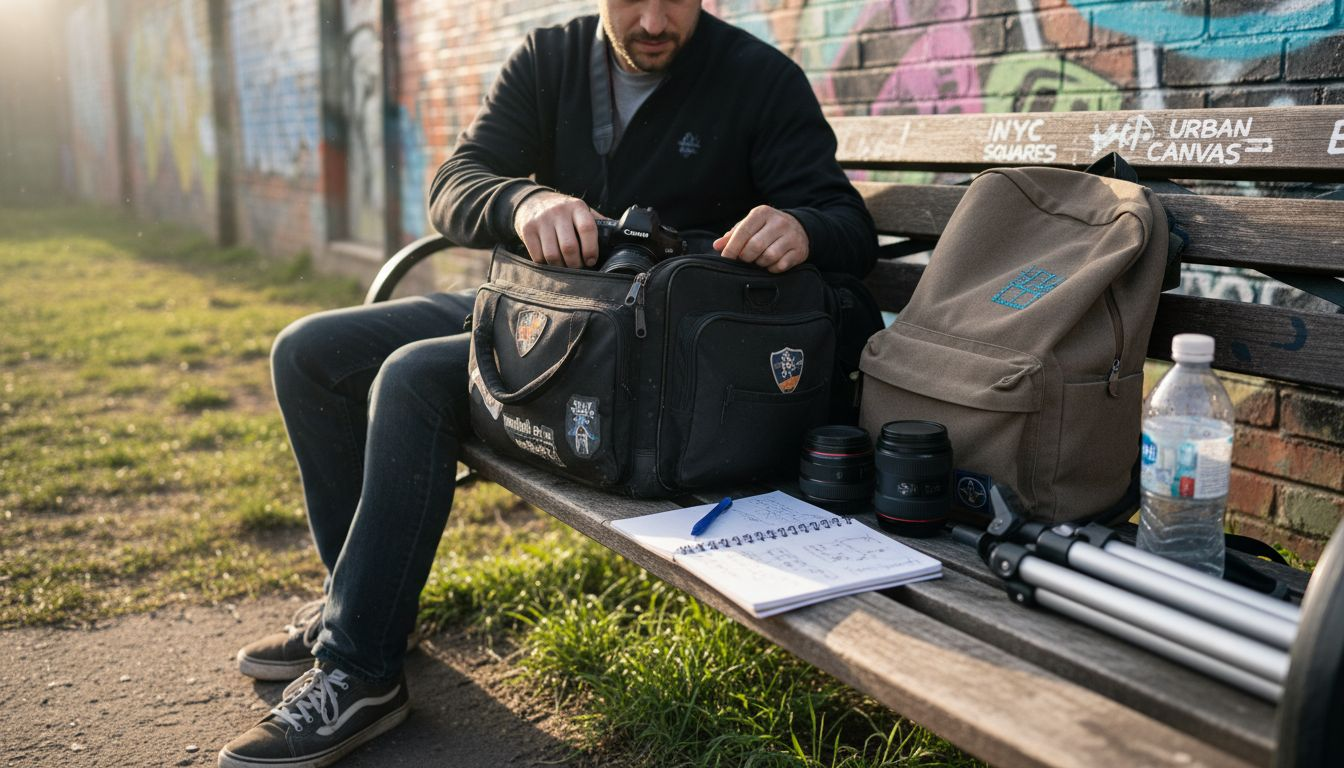
Location scouting is more than just finding a pretty backdrop. You want a setting that authentically supports your creative vision while providing practical advantages. Consider factors like natural lighting conditions, background complexity, accessibility, and potential legal permissions required for shooting.
When it comes to gear and props, think strategically about how each element contributes to your storytelling:
- Match props to your narrative: Choose items that enhance your visual theme
- Consider lighting and technical requirements: Select gear that complements your location
- Plan for flexibility: Bring versatile equipment that allows creative adaptation
The most powerful photographs emerge when location, gear, and props work together seamlessly to communicate a compelling story.
Start by creating a detailed shot list that outlines exactly what you need. Scout potential locations ahead of time, taking test shots and assessing how light and space interact. Research any necessary permits or access restrictions, especially for outdoor or public locations.
Pro tip: Always pack backup gear and neutral props that can help you pivot creatively if your original vision needs on-the-spot adjustment.
Step 3: Organize your team and schedule logistics
A well-organized team and thoughtful logistics are the backbone of a successful photography portfolio shoot. You’ll need to transform your creative vision into a practical, executable plan that coordinates people, time, and resources effectively.
Assembling the right team means carefully selecting professionals who understand and can contribute to your artistic vision. Think beyond just photographers – consider models, stylists, makeup artists, and assistants who can bring specialized skills to your project. Clear communication is your most important tool in this process.
Break down your team organization into strategic components:
- Define specific roles: Assign clear responsibilities to each team member
- Create a detailed shooting schedule: Plan exact timings and transitions
- Establish communication protocols: Set up reliable channels for instant coordination
- Develop backup plans: Prepare contingencies for potential scheduling conflicts
Successful photo shoots are built on meticulous planning and flexible collaboration.
Prioritize detailed scheduling that accounts for setup time, shooting windows, breaks, and potential unexpected delays. Use digital project management tools to help track everyone’s availability and commitments. Consider creating a shared digital calendar or project management board where all team members can view real-time updates and coordinate seamlessly.
Here’s a summary of factors that impact the success of your photography shoot:
| Aspect | Why It Matters | Potential Issues | How to Maximize Impact |
|---|---|---|---|
| Creative Vision | Guides overall cohesion | Inconsistency in style | Clarify themes and storyboard inspirations |
| Location | Sets visual context | Poor lighting, clutter | Scout and test locations before shooting |
| Team Organization | Enables smooth workflow | Miscommunication | Assign roles and use shared schedules |
| Equipment & Props | Enhance storytelling | Equipment failure | Bring backups and flexible gear options |
| Backup & Redundancy | Prevents data loss | Lost or corrupted files | Implement 3-2-1 backup system on site |
Pro tip: Build a 20% time buffer into your schedule to accommodate unexpected challenges and maintain a relaxed, creative atmosphere during your photo shoot.
Step 4: Prepare your shot list and backup plans
A comprehensive shot list and robust backup strategy are your secret weapons for transforming a potentially chaotic photo shoot into a smooth, professional experience. This step is about creating a detailed roadmap that anticipates challenges and ensures you capture exactly the images you need.
Creating your shot list means breaking down your creative vision into specific, actionable photographic scenarios. Think of it as a visual screenplay that outlines every important image you want to capture. Detail not just the subjects, but specific angles, lighting conditions, and compositional techniques you want to explore.
Your shot list should include critical elements:
- Prioritize key shots: Identify must-have images that define your portfolio
- Sketch visual concepts: Create rough drawings or mood board references
- Note technical specifications: Record desired camera settings, lens choices
- Plan sequence and flow: Organize shots to maximize energy and creativity
A meticulously planned shot list is your insurance policy against creative uncertainty.
Backup planning goes beyond just photography. Consider creating redundant systems for your digital assets. Follow professional data protection strategies like the 3-2-1 backup rule – maintain three copies of your images on two different media types, with one copy stored off-site or in cloud storage.
Pro tip: Always pack duplicate memory cards and have a portable hard drive ready to immediately backup your images during the shoot, preventing potential data loss catastrophes.
Step 5: Execute and review your photo shoot on-site
Now comes the moment of truth – translating all your meticulous planning into actual portfolio-worthy images. Executing your photo shoot requires a perfect blend of technical precision, creative flexibility, and real-time problem-solving.
Directing your shoot means maintaining control while staying open to spontaneous, magical moments. Work closely with your team, guiding subjects with clear, confident instructions while remaining adaptable to unexpected creative opportunities. Continuous communication is key to keeping everyone aligned and energized.
During the shoot, focus on these critical execution strategies:
- Monitor lighting conditions: Make constant micro-adjustments
- Review images immediately: Check technical quality after key sequences
- Maintain shoot momentum: Keep energy high and transitions smooth
- Stay true to your shot list: But allow room for creative improvisation
Great photography happens at the intersection of careful planning and creative spontaneity.
On-site image review is more than just technical checking. Use your camera’s preview screen to assess composition, lighting, and emotional impact. Don’t just look for technical perfection – search for images that genuinely communicate your artistic vision and tell a compelling visual story.
Compare image review methods for quality control during a shoot:
| Review Method | Speed | Technical Accuracy | Best For |
|---|---|---|---|
| Camera LCD Preview | Immediate | Moderate | Quick checks of focus and framing |
| Laptop Tethered View | Moderate | High | Detailed lighting and color review |
| Histogram Analysis | Instant | Very High | Assessing exposure and dynamic range |
Pro tip: Shoot in RAW format and use your camera’s histogram to ensure optimal exposure, giving you maximum flexibility during post-processing.
Elevate Your Photography Portfolio with Expert Guidance
Planning a photo shoot that delivers stunning portfolio shots can be challenging without the right roadmap and resources. From defining your creative vision to preparing detailed shot lists and backup plans the article highlights the importance of clear objectives and meticulous organization. If you want to overcome common pain points like inconsistent style poor lighting choices and miscommunication among your team then you need practical guidance tailored to amateur photographers.
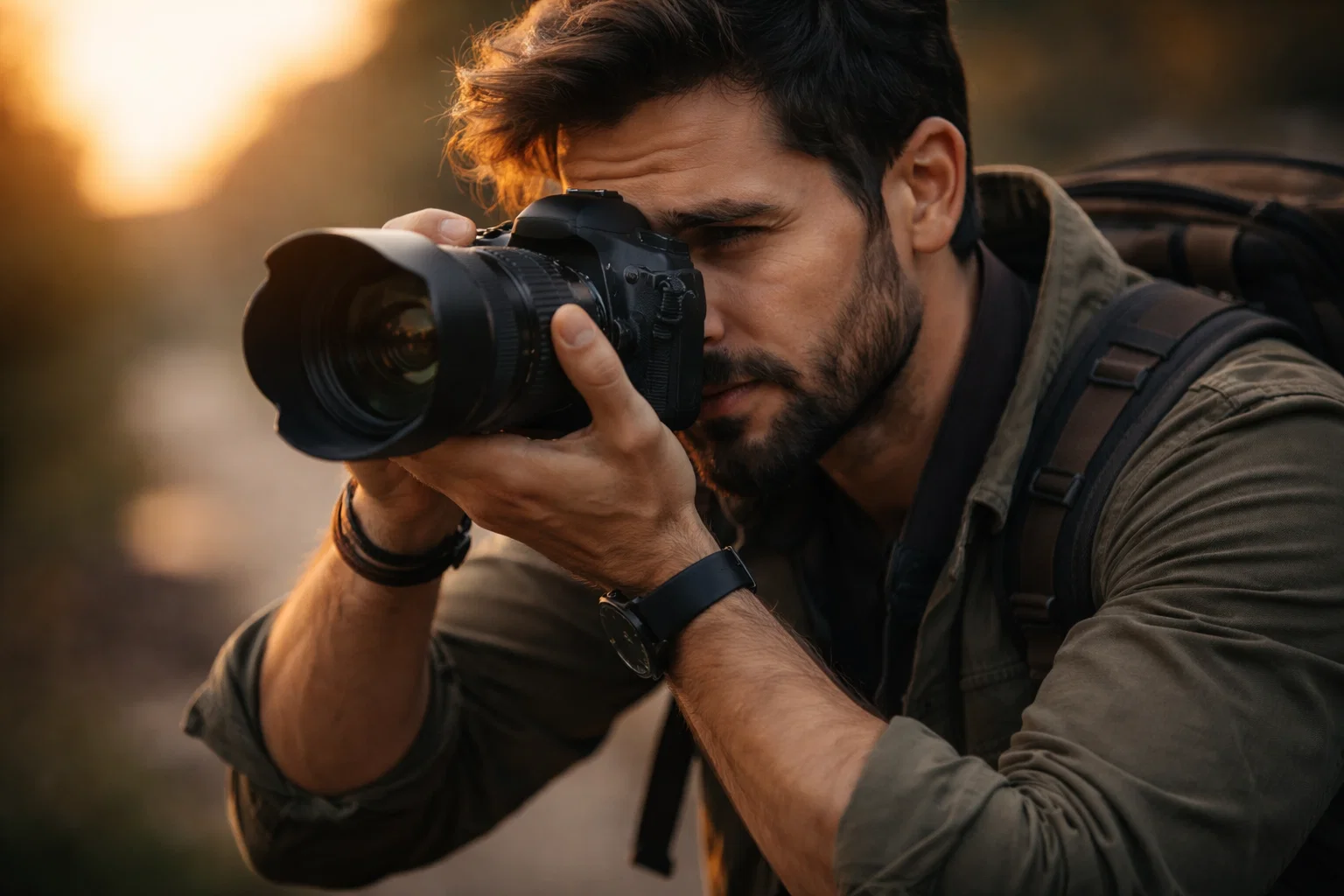
Discover comprehensive advice on camera selection shooting techniques and gear recommendations at Amateur Photographer Guide. Our blog offers easy-to-follow tutorials and expert insights designed to simplify complex concepts and help you execute flawless photo shoots every time. Don’t wait to transform your artistic vision into reality visit Amateur Photographer Guide now and start mastering your photography journey today.
Frequently Asked Questions
How do I define my creative vision for a photo shoot?
To define your creative vision, start by reflecting on your photographic style, themes, and emotional intent. Ask yourself what stories you want to tell through your images and create a mood board to gather inspiration.
What should I consider when selecting a location for my photo shoot?
When choosing a location, consider natural lighting, background complexity, accessibility, and any necessary permits. Scout potential sites in advance to assess their suitability for your creative vision.
How can I organize my team effectively for a photo shoot?
To organize your team, define specific roles and responsibilities for each member while establishing clear communication protocols. Create a detailed shooting schedule to ensure everyone knows when and where to be during the shoot.
What should I include in my shot list before the photo shoot?
Your shot list should detail specific images you want to capture, including key shots, desired angles, and lighting conditions. Prioritize must-have images to ensure you collect all essential elements of your artistic vision.
How can I prepare for unexpected issues during a photo shoot?
Prepare for unexpected issues by developing backup plans, including having extra equipment and props ready. Additionally, build 20% extra time into your shooting schedule to accommodate any unforeseen challenges and maintain creative momentum.
What are some tips for executing a successful photo shoot on-site?
During the shoot, monitor lighting conditions closely and maintain open communication with your team. Review images immediately to ensure they align with your vision and stay adaptable to spontaneous opportunities that arise.
Recommended
- How Planning Ahead Is The Key To A Great Photo Shoot
- Step by Step Portrait Photography Guide for Stunning Results
- 7 Essential Steps for a Complete Portrait Photography Checklist
- How to Take Better Portrait Photos: A Definitive Guide
- Fashion Moodboard: Complete Guide for Style Inspiration
Last update on 2026-07-12 / Affiliate links / Images from Amazon Product Advertising API
